
Itinerary planning

Travel itinerary planner for trips that keep changing

Build a day-by-day itinerary around arrival times, fixed bookings, travel pace, and geography, then move or remove stops as the trip changes.

Reviewed by MappuReviewed

See a real Mappu example
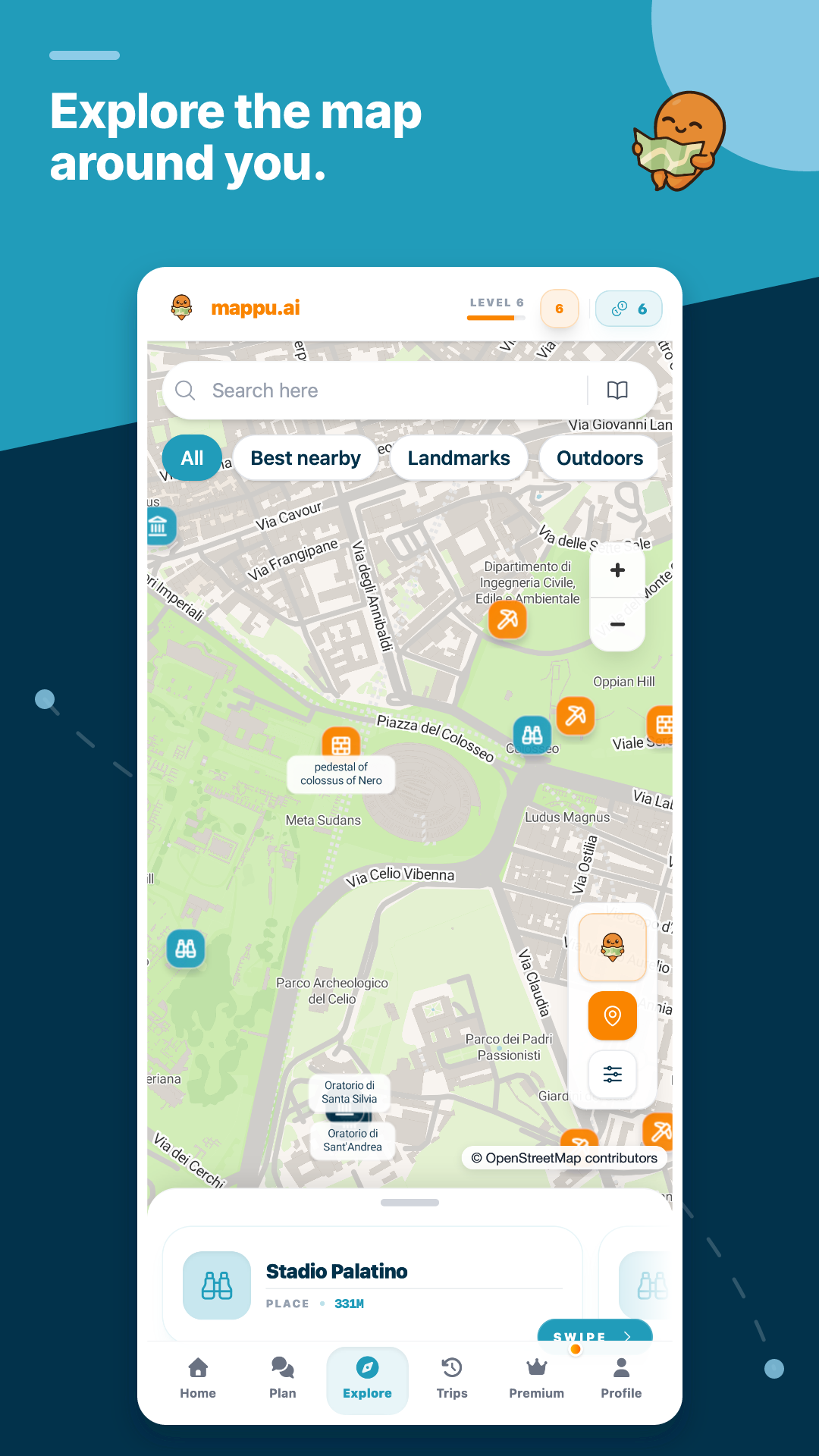
Mappu planning a trip on a map

Quick answer

How do I turn travel ideas into a realistic itinerary?

Tell Mappu the destination, dates or trip length, arrival and departure constraints, preferred pace, interests, and anything already booked. It creates an editable plan divided into days and stops. Review each day for travel time and opening hours, use the map to catch backtracking, then adjust the order instead of rebuilding the whole trip.

Itinerary planning

Start with constraints that actually shape the day

Dates alone are not enough. Include late arrival or early departure, hotel changes, timed tickets, mobility needs, children, rest breaks, and whether you prefer one major sight or several short stops. Those details determine what a usable itinerary looks like.

  • Arrival and departure times
  • Fixed bookings
  • Comfortable daily pace
  • Must-do and skip lists

Real product proof

See a real Mappu trip before you start

Open a public itinerary or audio guide to inspect the actual route structure and guide experience before using the planner.

Start planning

Check every day for pace and geography

A strong day groups places that make sense together and leaves time for meals, queues, and transfers. On the map, look for repeated crossings of the city or a distant stop wedged between two nearby ones. Move that stop, shorten the day, or make it optional.

Keep the useful structure when plans change

A delayed train should not destroy the whole itinerary. In Mappu you can change the day or stop sequence while preserving the rest of the plan. Always recheck time-sensitive facts with transport operators and official venue sites; the itinerary is not a live availability guarantee.

Ways to build a day-by-day itinerary

Blank note

Mappu
Creates a structured first draft from your constraints
Typical alternative
Maximum control, but research and organization stay manual

Generic chat answer

Mappu
Keeps days and stops editable inside the trip
Typical alternative
Useful ideas, but you must transfer them into a planning tool

Mapped itinerary

Mappu
Lets you review the route shape and use it later on mobile
Typical alternative
A text schedule can hide distance and backtracking

Common questions

Can Mappu plan a multi-city trip?

Yes. Include the cities, available days, and any fixed transfer or accommodation dates so the first draft can separate stays and travel legs.

Can I start without knowing every stop?

Yes. Begin with the destination, pace, interests, and must-do constraints. The proposed stops remain editable after the itinerary is created.

Are opening hours and transport times guaranteed?

No. Check current schedules, closures, ticket rules, and reservations with official providers, especially for time-sensitive or seasonal plans.

Travel itinerary planner for trips that keep changing

Build a day-by-day itinerary around arrival times, fixed bookings, travel pace, and geography, then move or remove stops as the trip changes.

Start planning